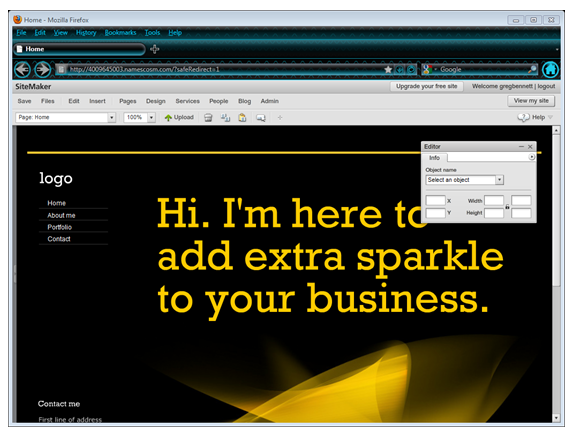
Getting Started with SiteMaker
We’ve made a few changes to your Control Panel dashboard, so things may look a little different. To learn about the changes we’ve made and to see how to navigate the dashboard, to see our new Control Panel dashboard guide click here
When logged in to your Control Panel dashboard, click on to the Edit link beneath your SiteMaker package, as below:

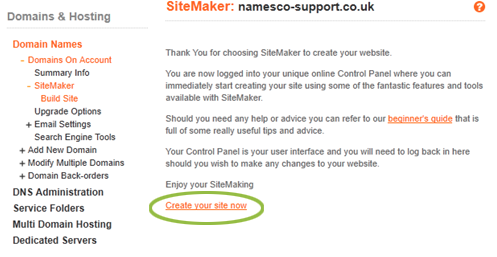
From the following screen select the option to Create your site now
– Choose the Design template you would like to use for your site then click Next

– Click Launch may site to complete the SiteMaker setup

– You can now use the SiteMaker tools to create your website