


Windows – How to enable MSSQL firewall rules Plesk ?
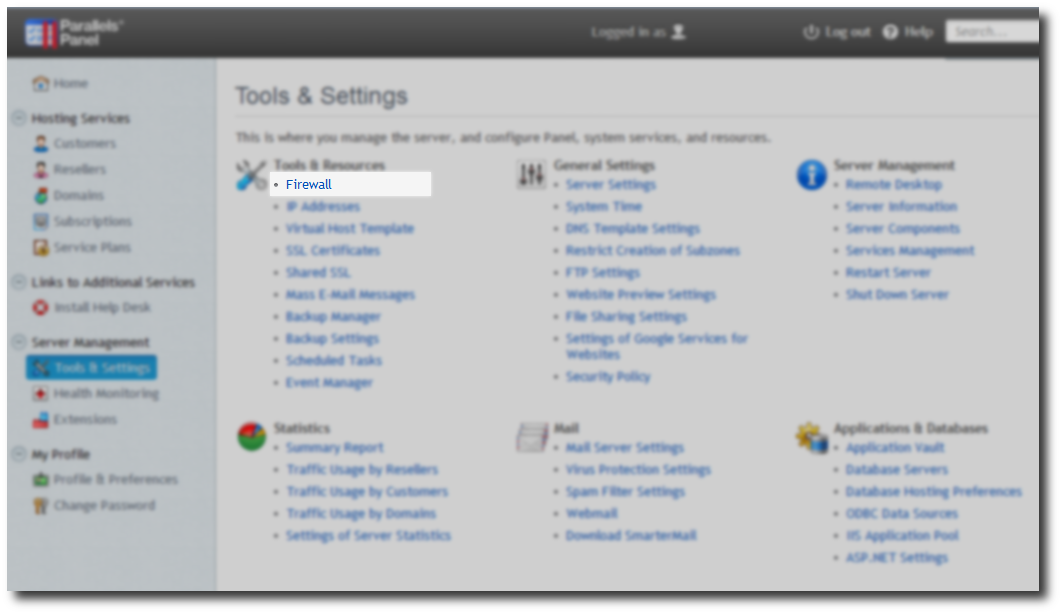
Click on the Tools and Settings -> Select Firewall
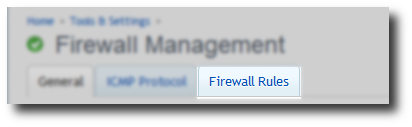
Click on Firewall Rules tab.
Click on MSSQL over TCP Protocol -> Tick box switch on rule.
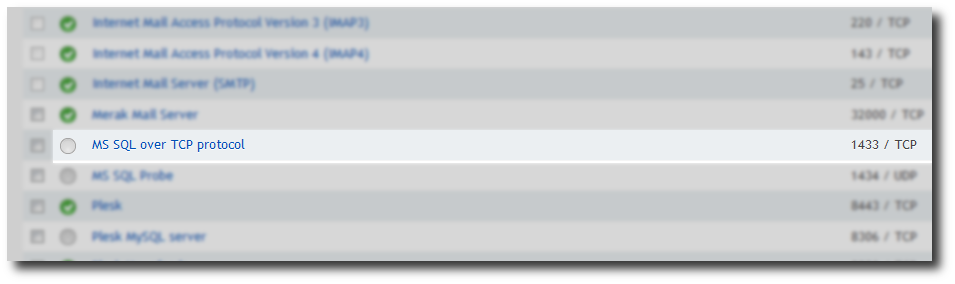
Note: This allows connections on port 1433 from any IP address. If you wish to secure Remote MSSQL to a specific IP address / range this a more advanced guide.
Securing MSSQL advanced firewall rules scopes using RDP.