


Windows – How do I add firewall rules ?
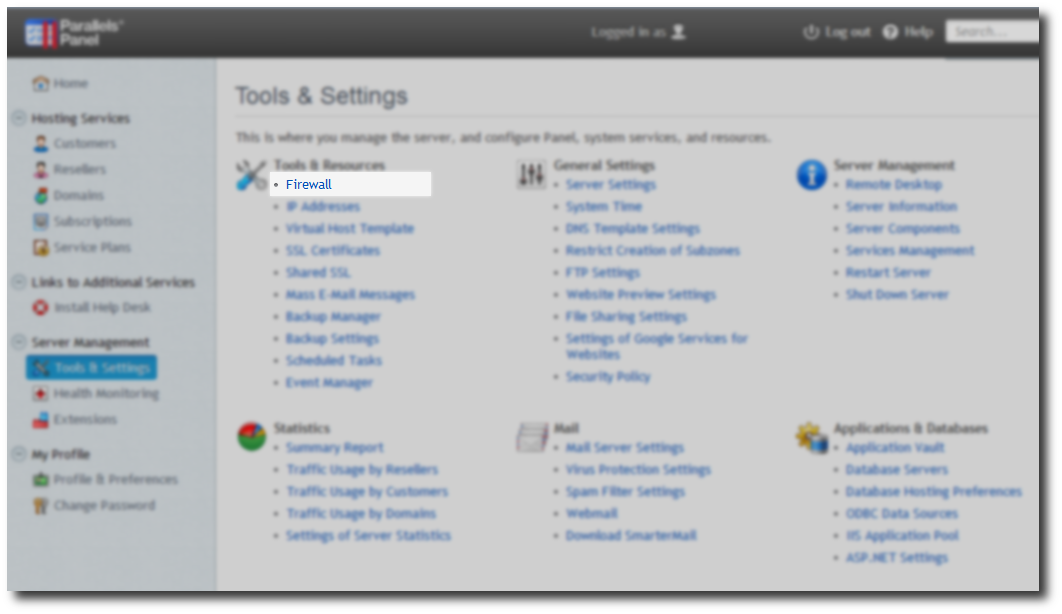
Click on the Tools and Settings -> Select Firewall
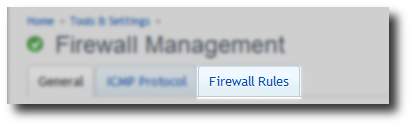
Click on Firewall Rules tab.
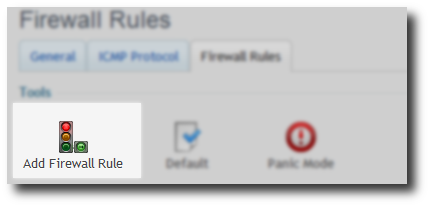
Click on Add Firewall Rule
Check Enable rule tick box.
Enter rule name ensure something meaningful, port value / port range
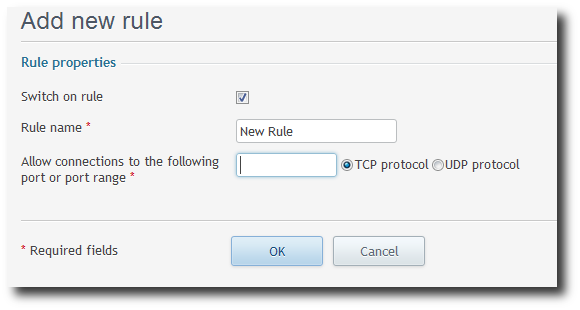
Note: This allows connections on port(s) specified from any IP address. If you wish to secure the port(s) to a specific IP addresses / range this a more advanced guide.
Securing ports – advanced firewall rules scopes using RDP.