Removing an Additional FTP user (Plesk 12)
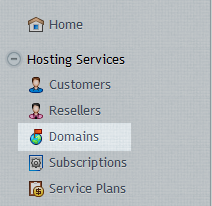
First, log into your Plesk control panel and then click on Domains from the main menu
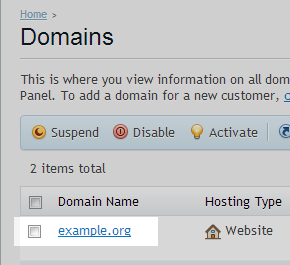
Select the domain name.
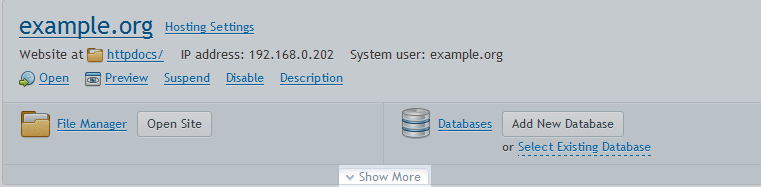
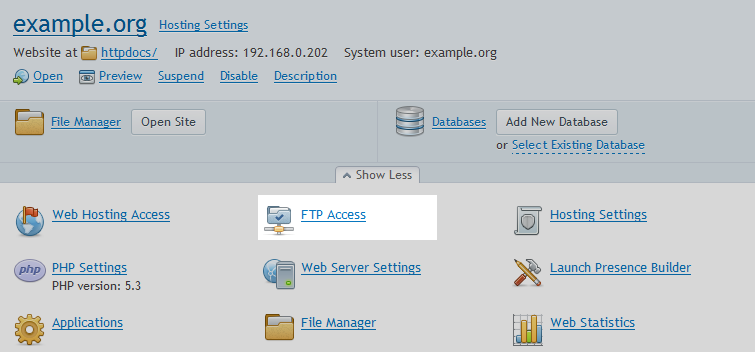
Click on Show More
Click on FTP Access
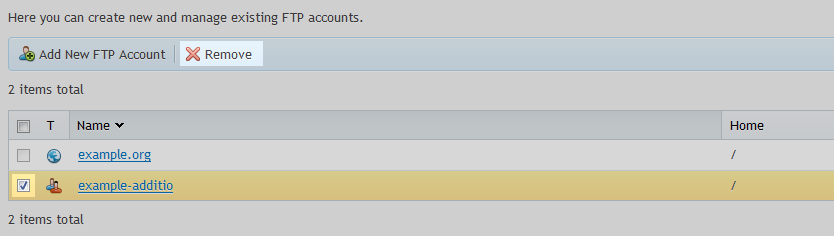
Select the FTP user to be removed – then select Remove, You will need to confirm the removal.