


How do I add Advanced inbound firewall rules?
Connect to the server via RDP
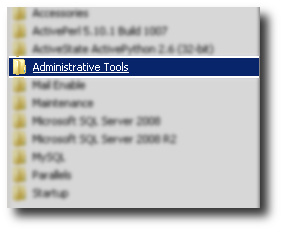
Click on Start button -> Administrative Tools
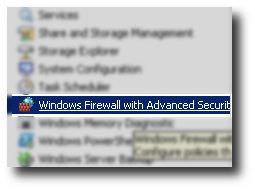
Click on Windows Firewall with Advanced Security
Click on Inbound Rules
Click on New Rule.
Please note: Due to the scope of the firewall rules you need to configure your own rules to meet your specific requirements.