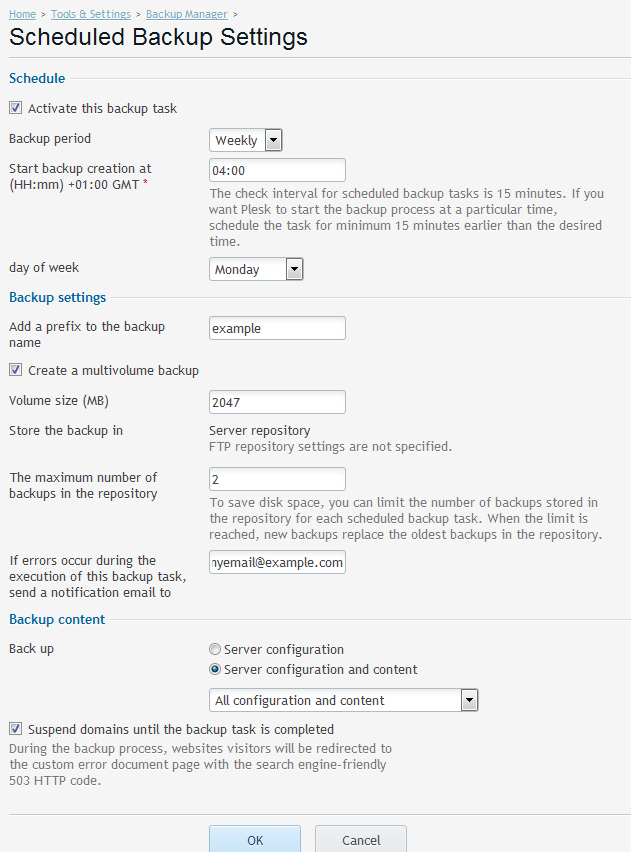
Backup Manager – ServerWide Backup – Plesk 12 – Scheduled
Backup Manager – Now allows file level restores via Plesk 12
ServerWide Backup Example – Scheduled
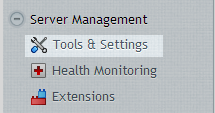
Click on Tools & Settings.
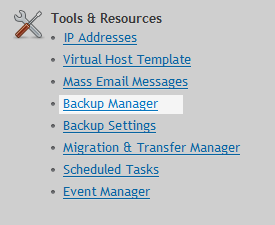
Click on Backup Manager (under Tools & Resources)
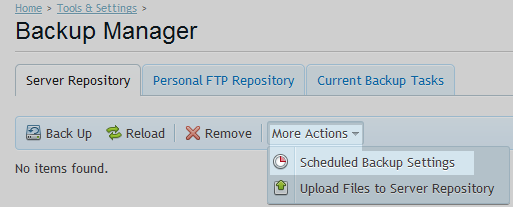
Click on Scheduled Backup Settings in drop down list.
Enter the required backup properties.
The example below runs a full backup suspending the domains during the process splits the backup archive into 2047MB. The number of backups to retain has been set to 2 and runs weekly on Mondays at 4.00am.