Creating an Email Account (Plesk 9.5)
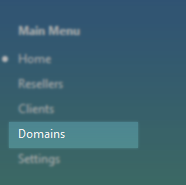
Select Domains from the left hand side menu.
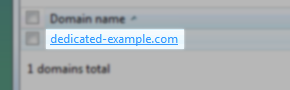
Click on the required Domain Name from the list.
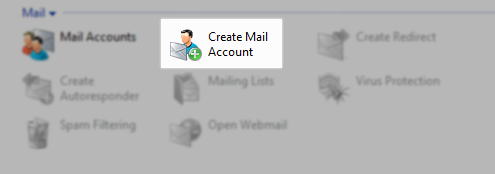
Click on Create Mail Account.
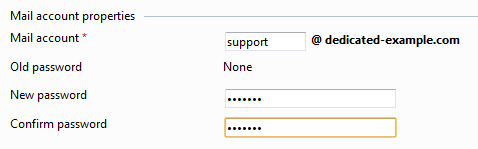
Enter the email account details including password. Set the mailbox quota if required.
Please note the mailbox quota is in kilobytes..
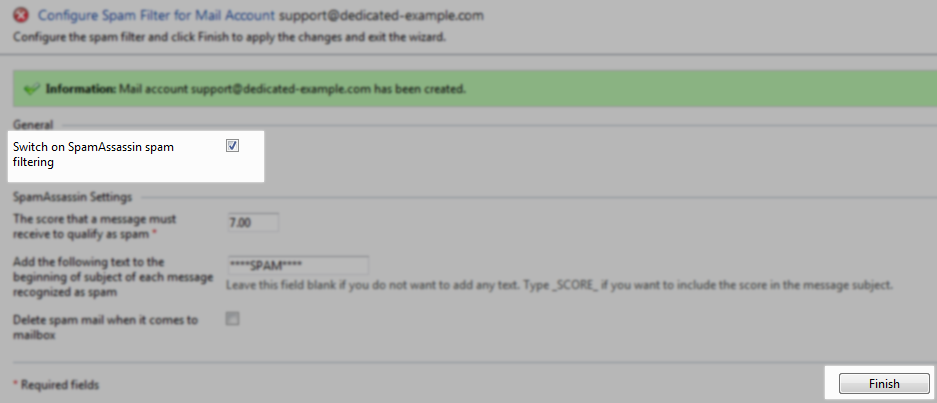
Select the Spam Settings if required or just click Finish.