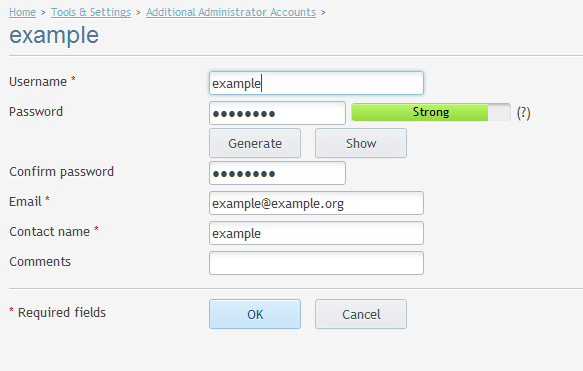
How do I change Additional Administrator password?
Additional Plesk Administrator can be used to assign personnel with administrator login allowing greater track ability in the event of an change that causes an error. The changes can be viewed in the action log available in Plesk panel.
Example: A domain has been removed by user.
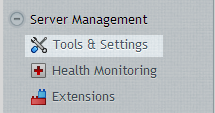
After logging in to your Plesk control panel, select Tools and settings from the main menu.
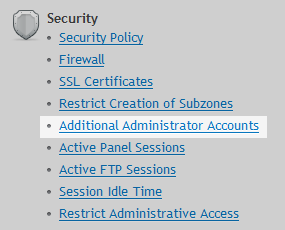
Select Additional Administrator Accounts from the security menu.
Select Additional Administrator user Account from the list to change the password

Enter new Administrator password or use (generate and show password).
Click OK to complete.