How do I edit firewall rules in Plesk?
In order to edit firewall rules in Plesk, just follow these steps:
- Once you are logged into Plesk (you’ll need to be logged in as an admin) click on Extensions at the top left.
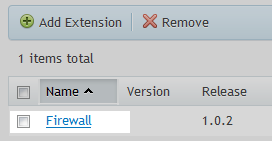
- Next, click on Firewall.
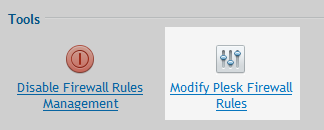
- You should be able to see all of the rules that are currently setup – in order to make changes you need to click on Modify Plesk Firewall Rules.
- You can modify an existing rule by clicking on it or you can add a new rule by clicking on Add Custom Rule at the top of the page.
- You need to ensure that firewalls rules are activated.