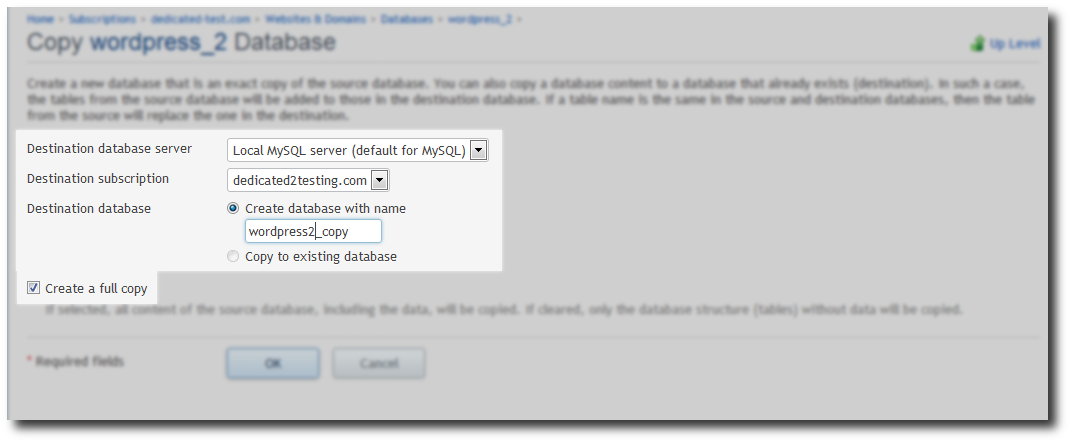
Copying Database to another domain (Plesk 12)
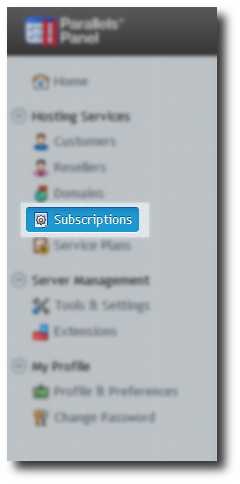
Select Subscriptions in the left hand panel
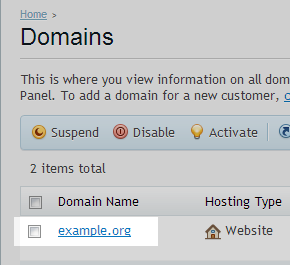
Select domain to move the database from
Click on Websites and domains tab at the top of the screen.

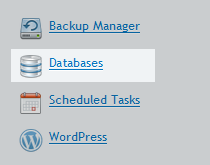
Click on Databases
Select the Database to be copied to another domain.

Select the Destination subscription if moving to a different domain.
Enter a New Database name, else select an Existing Database.